A shared space for Scripture
Together in the Word.
Read Scripture, make it your own with handwritten notes, and share the experience with others.
No account needed to join as a viewer.


Make room for the Word.
Put the passage, the handout and your own questions in one document, in the order you will read them, then set the text the way your group reads best.
- Bible passages
- Type a reference and the passage arrives with its verses numbered. The World English Bible is built in; the ESV and NLT can be pasted from your own copy.
- PDFs
- Handouts and scans arrive page by page, or have their text set like the rest of the document.
- Your own text
- Questions, outlines and notes, with headings, lists and emphasis.
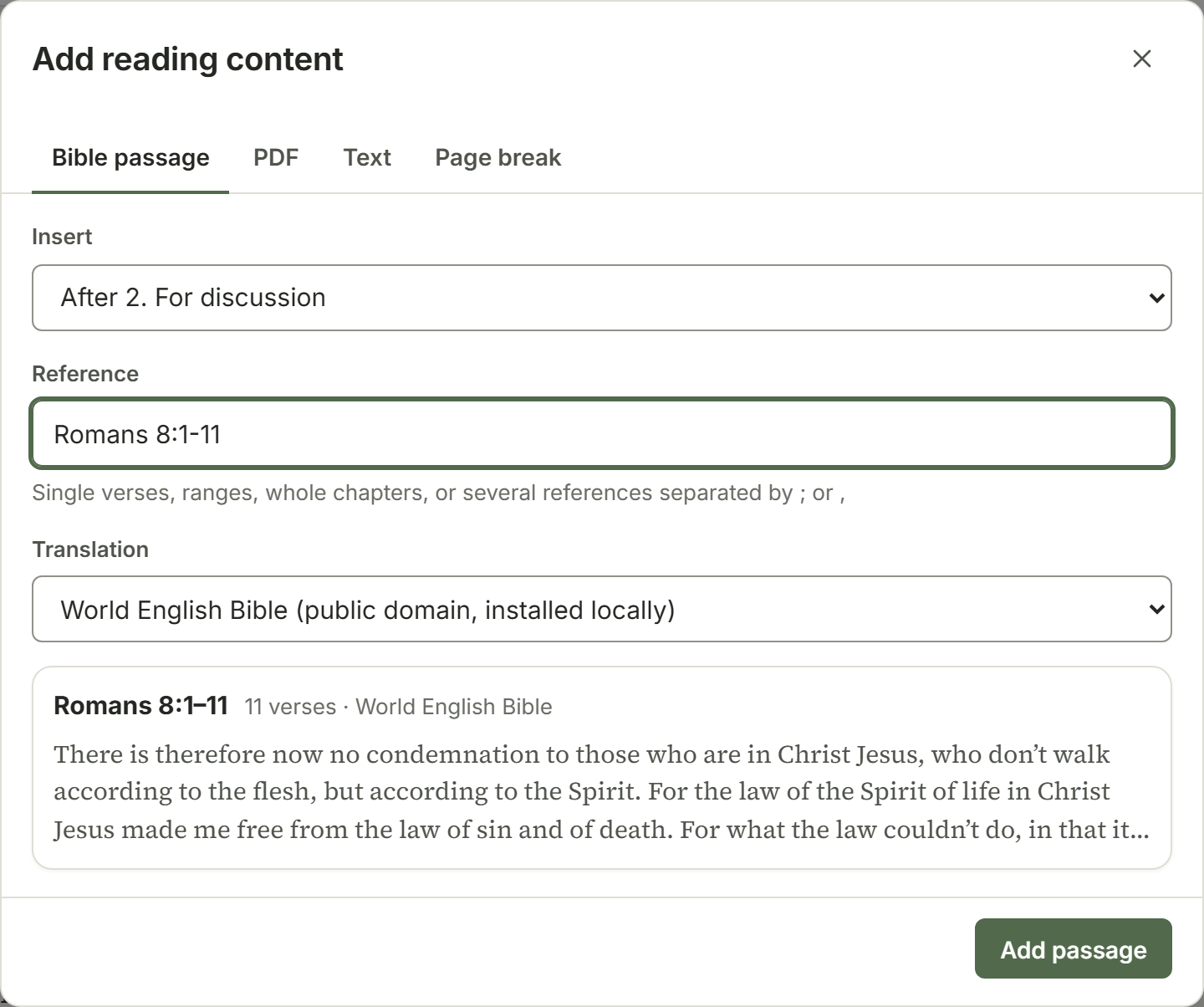
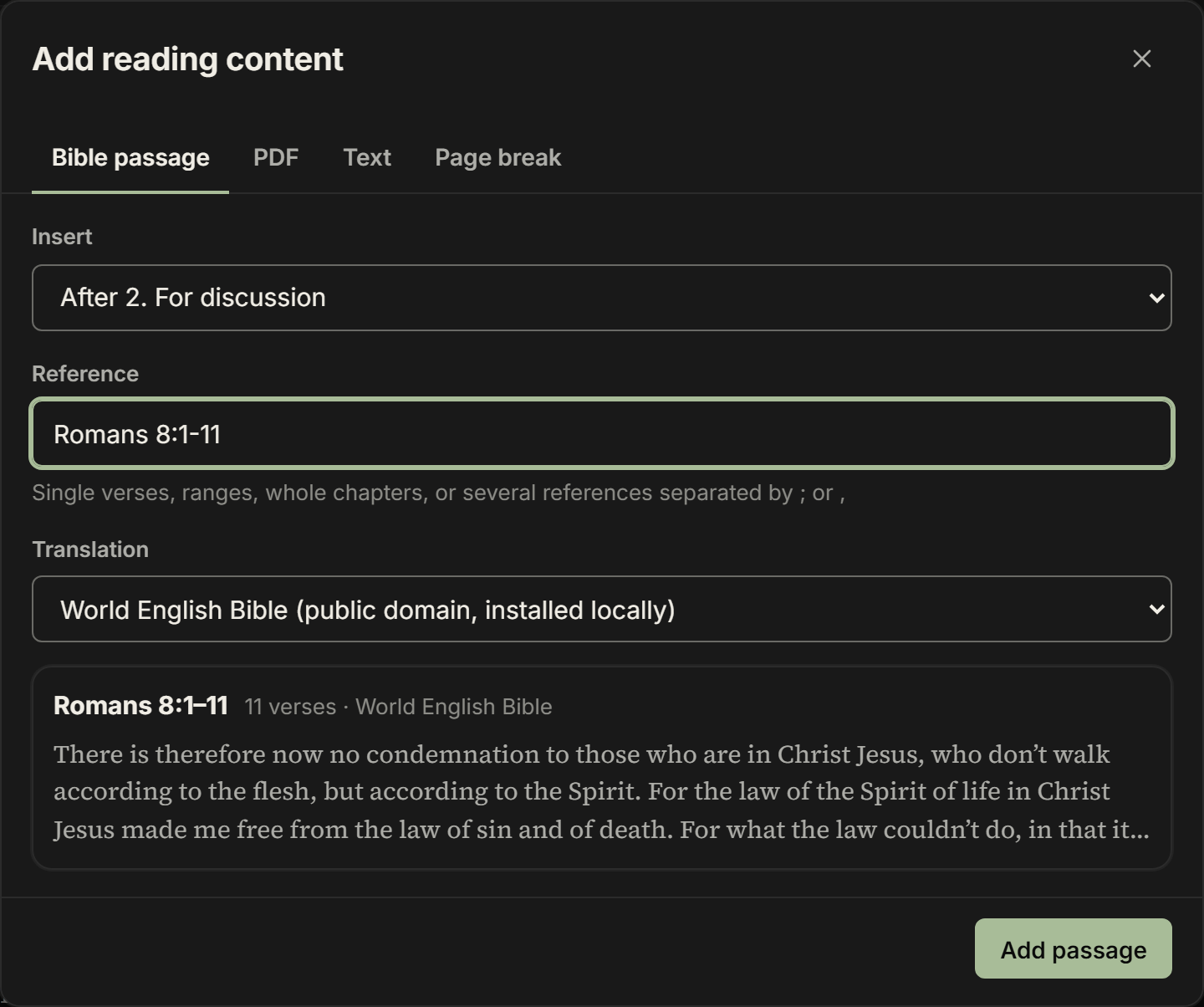
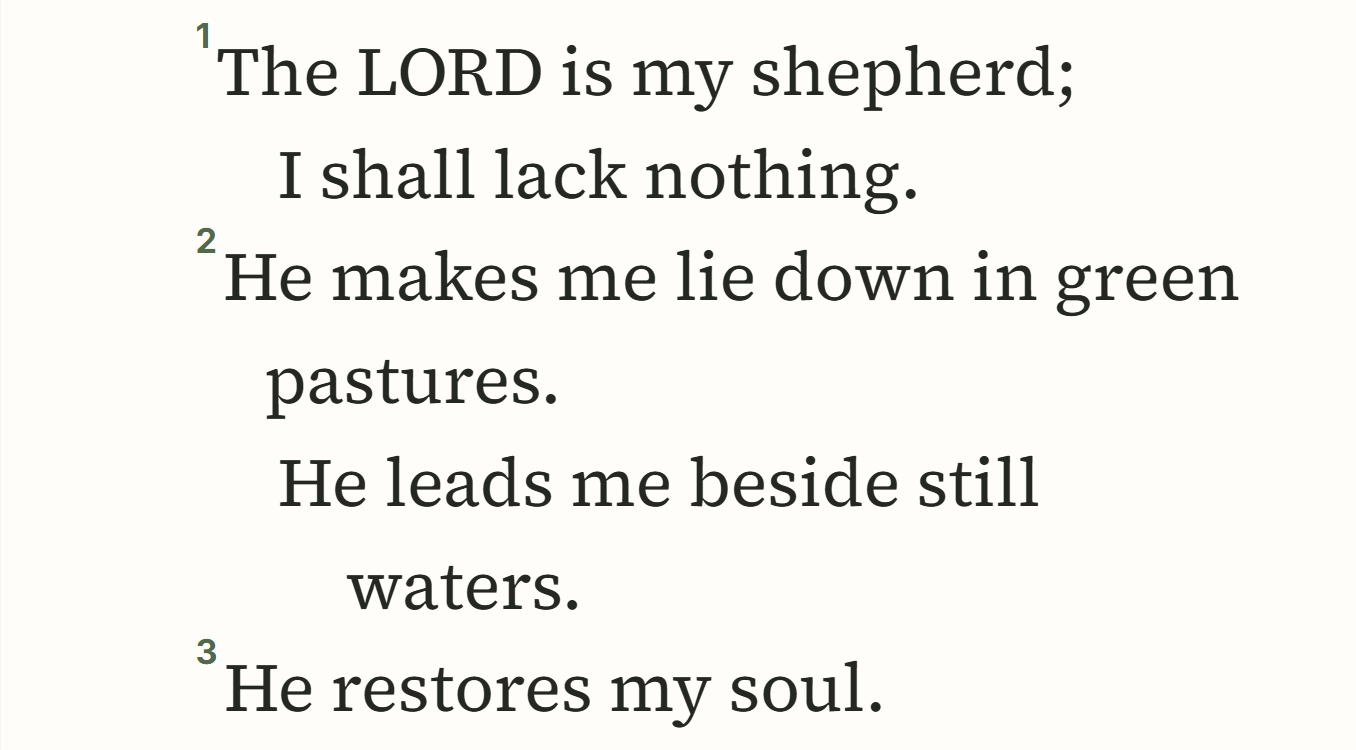
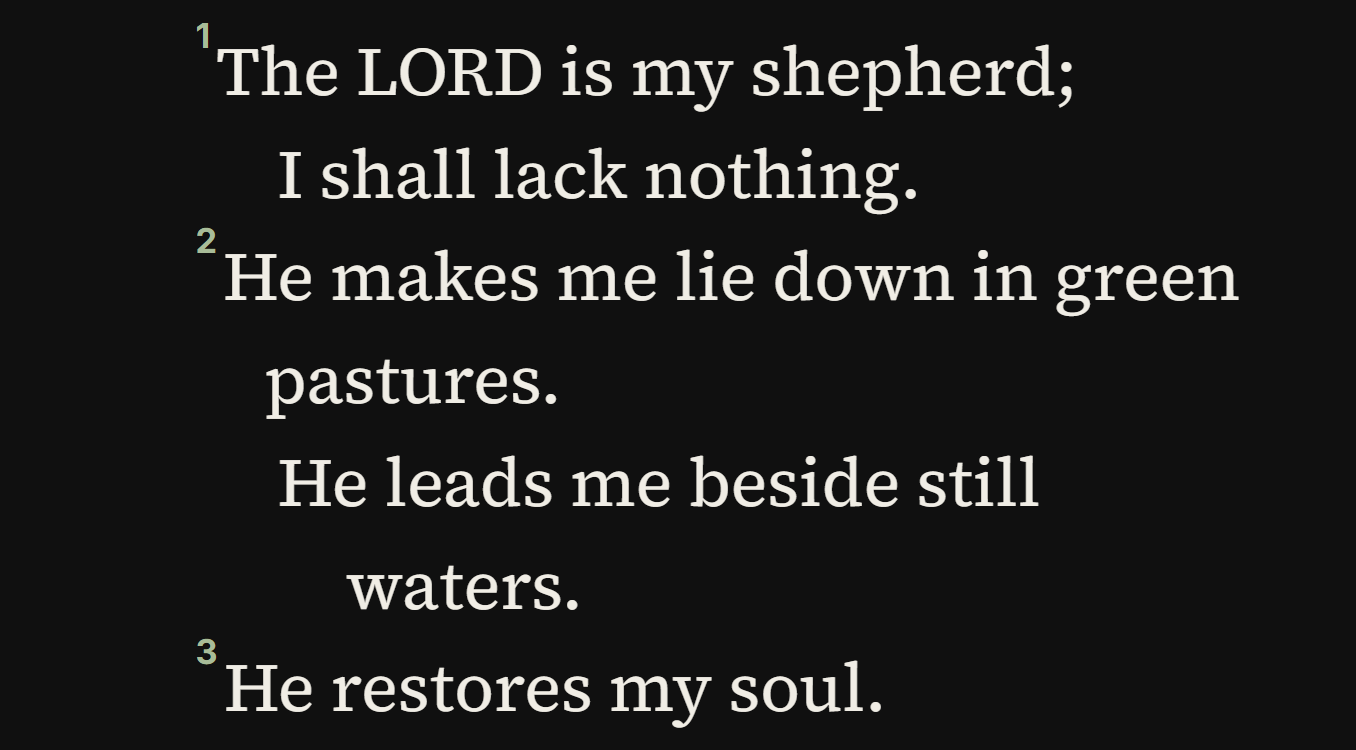
Set it your way
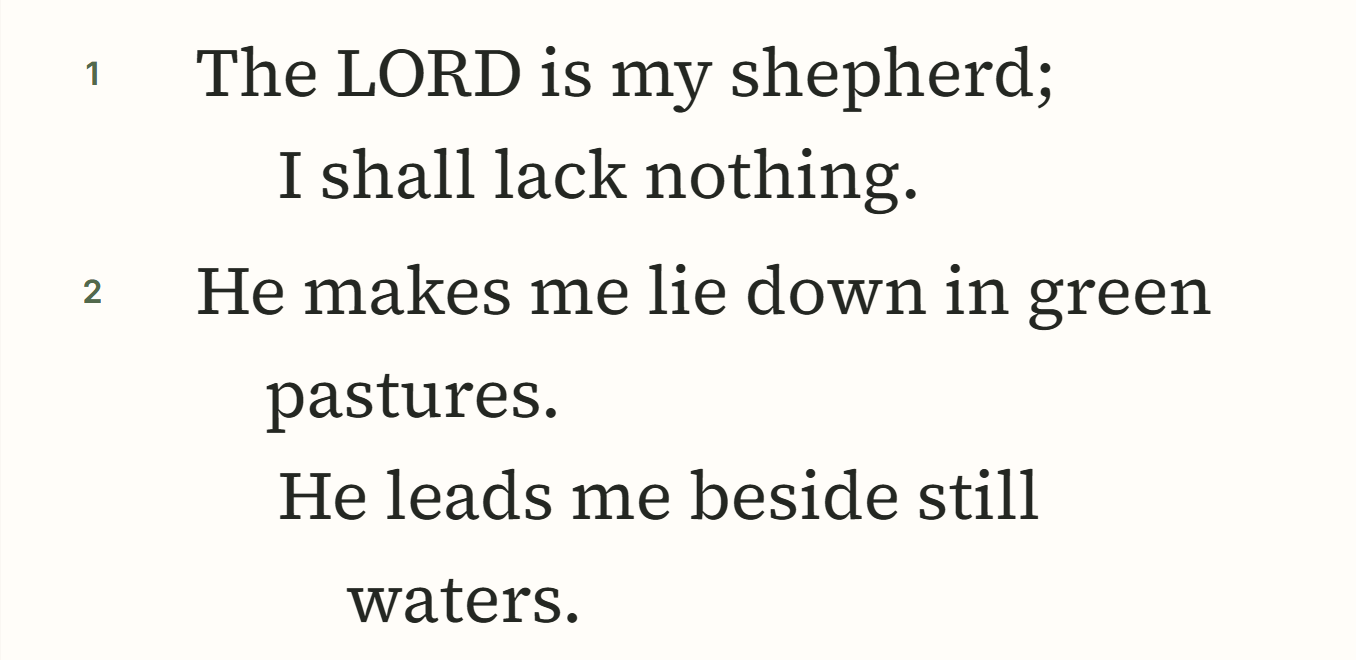
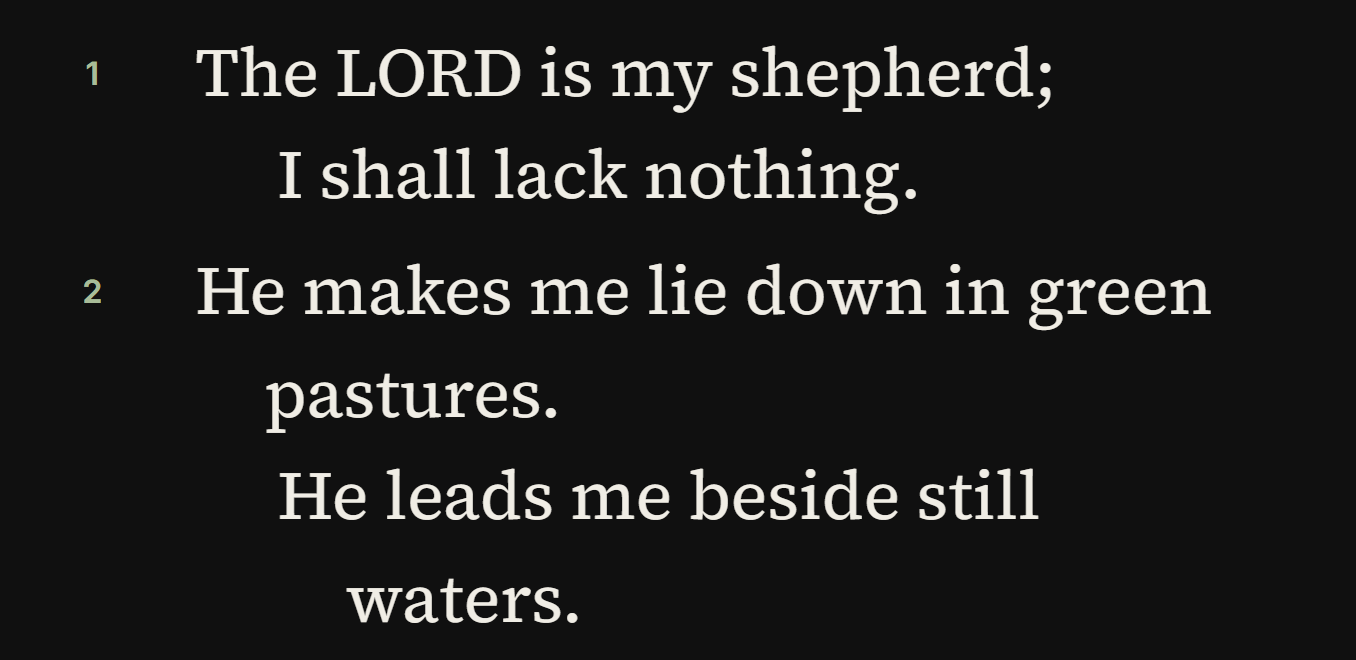
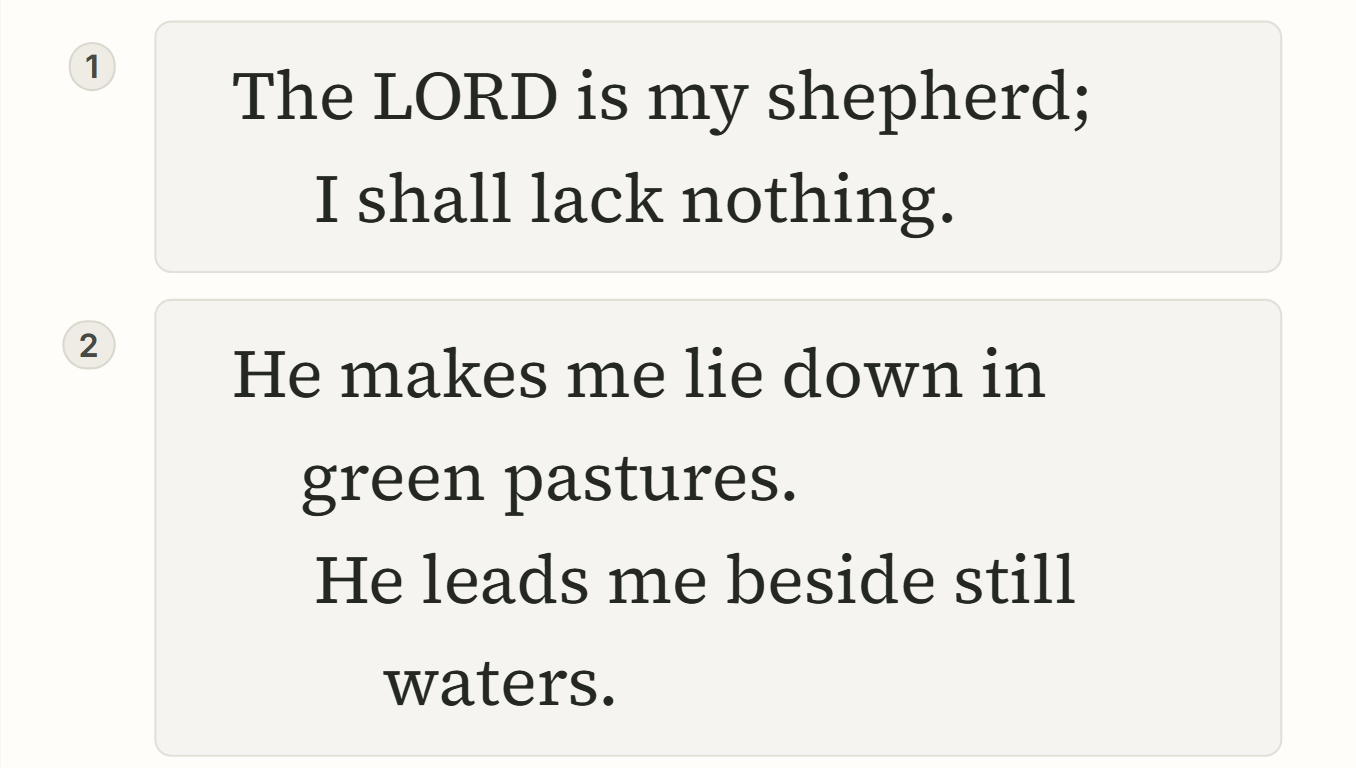
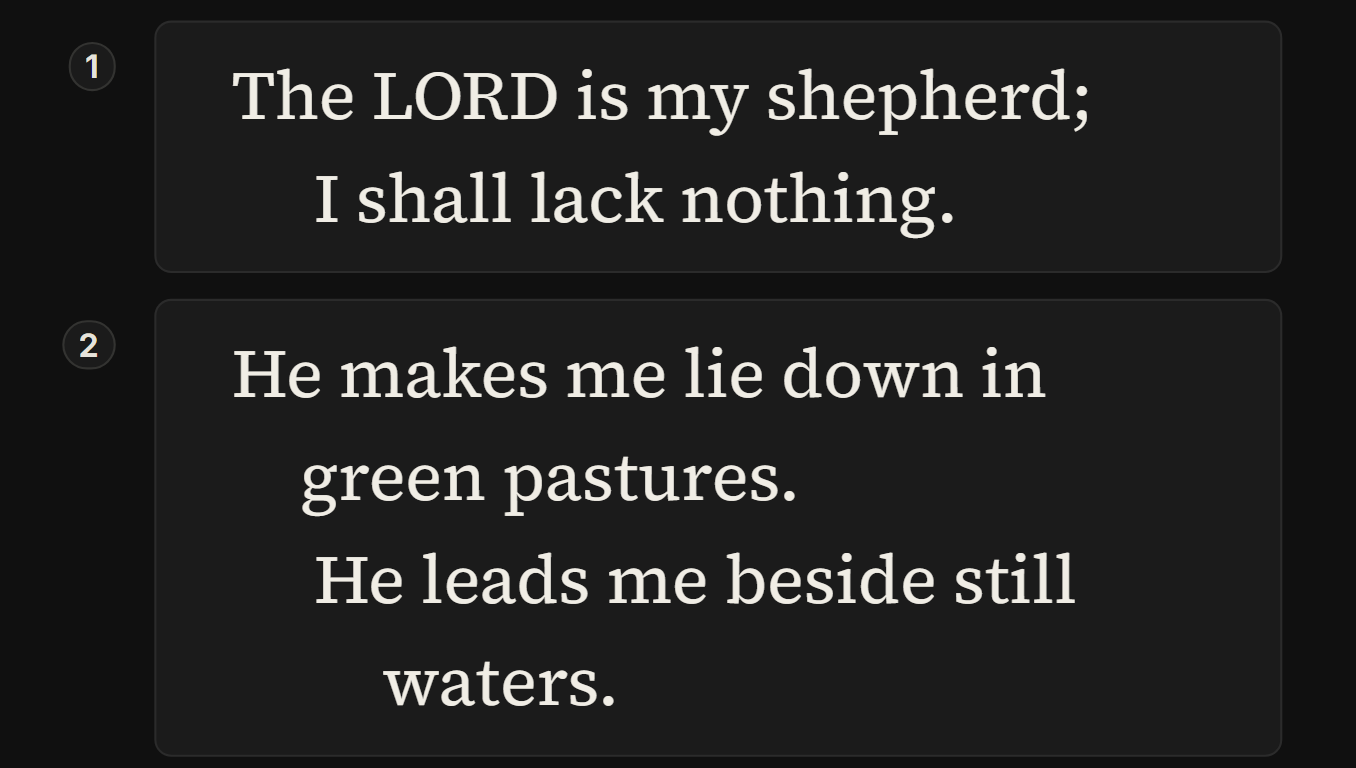
Choose the typeface and size, run Scripture as paragraphs, one verse to a line or verse blocks, and hide the notes column when every eye should be on the words.
More than words on a page.
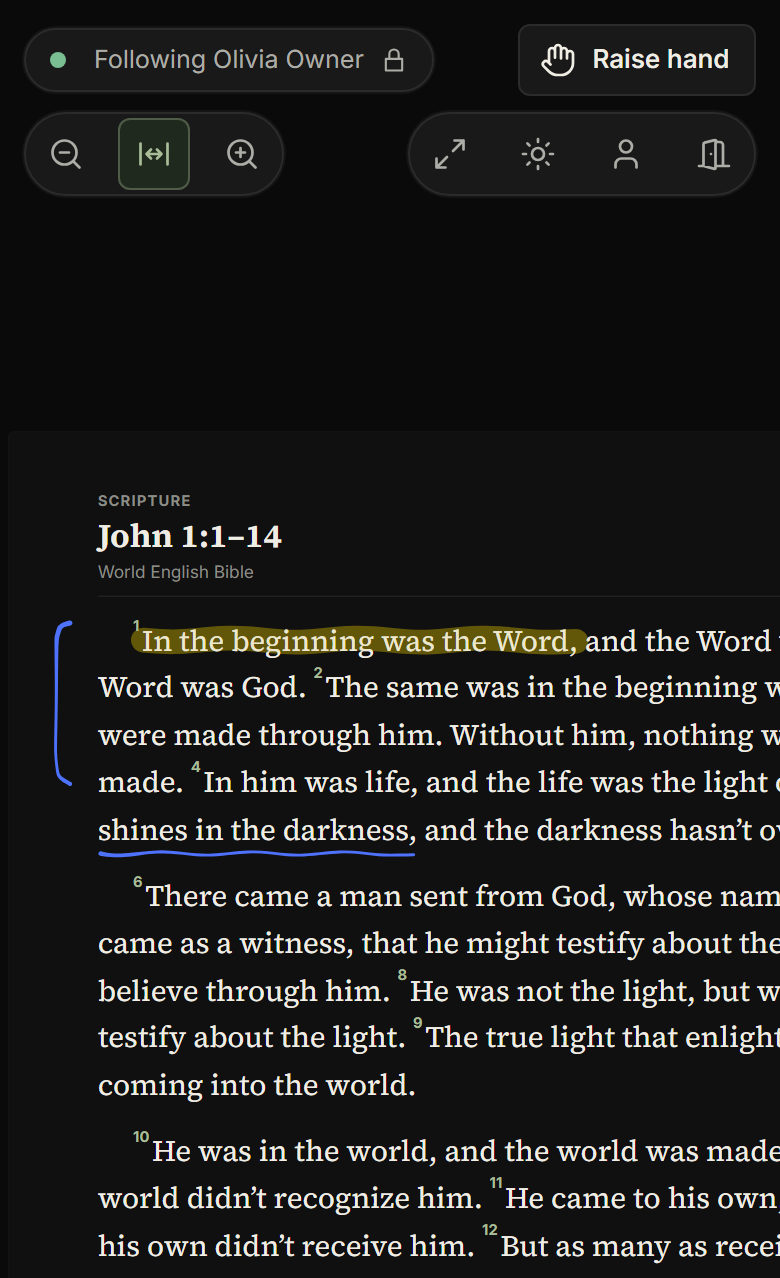
Write with an Apple Pencil, a stylus or a mouse, on the text and in the notes column beside it. Every mark stays with its verse, even when the text is set differently.
- Pen, highlighter and shapes
- Underline, highlight, box, circle and draw arrows, in a choice of colours and widths. On an iPad the pencil writes and a finger scrolls.
- Marks that find the words
- With Smart marks on, an underline comes out straight, a highlight covers exactly the words, and a box frames them.
- Room to think
- A notes column beside every passage, and extra space under any verse for a longer thought. Writing never moves the text.
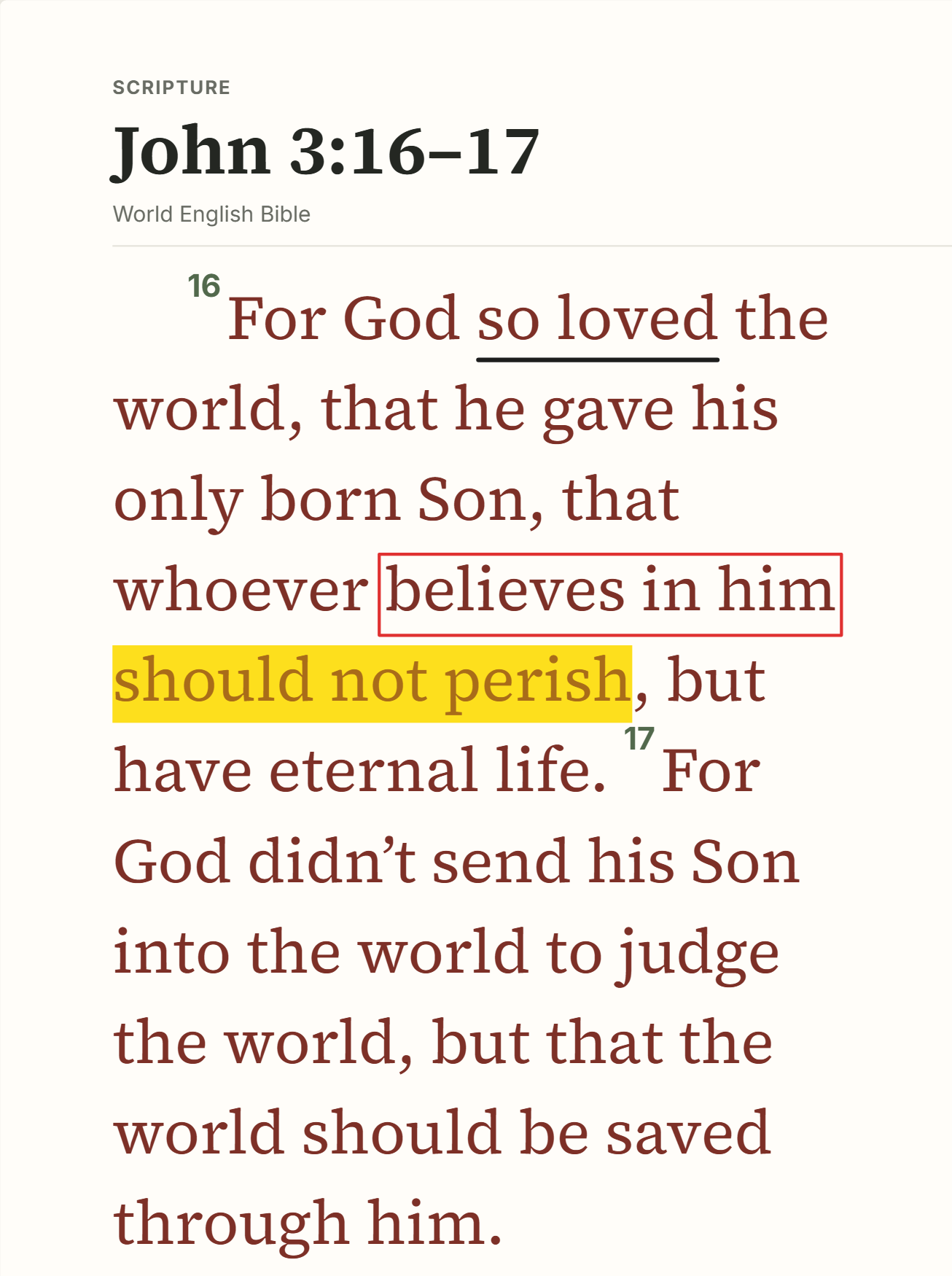
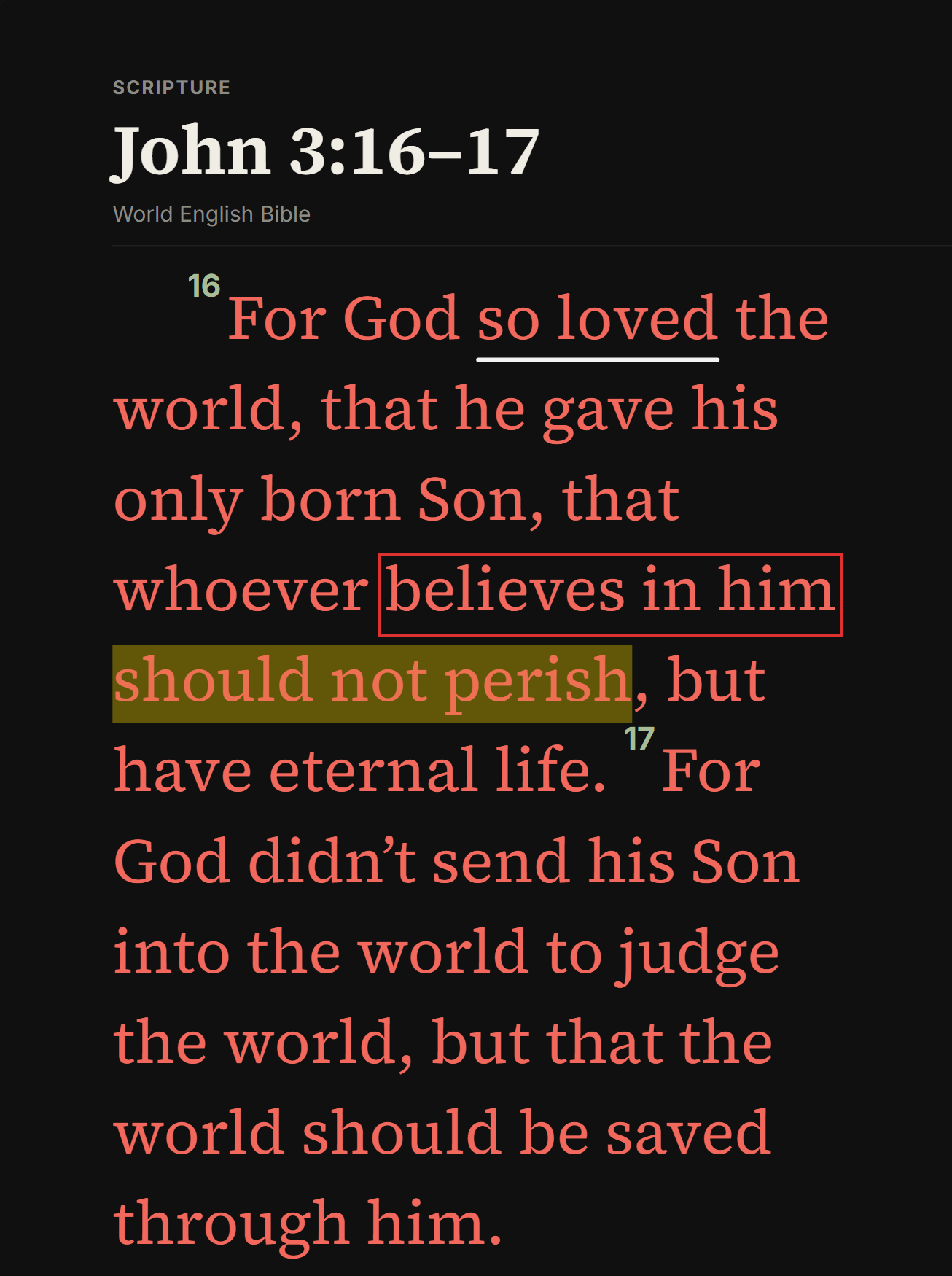
Smart marks. Drawn by hand, snapped to the words when the pen lifts.
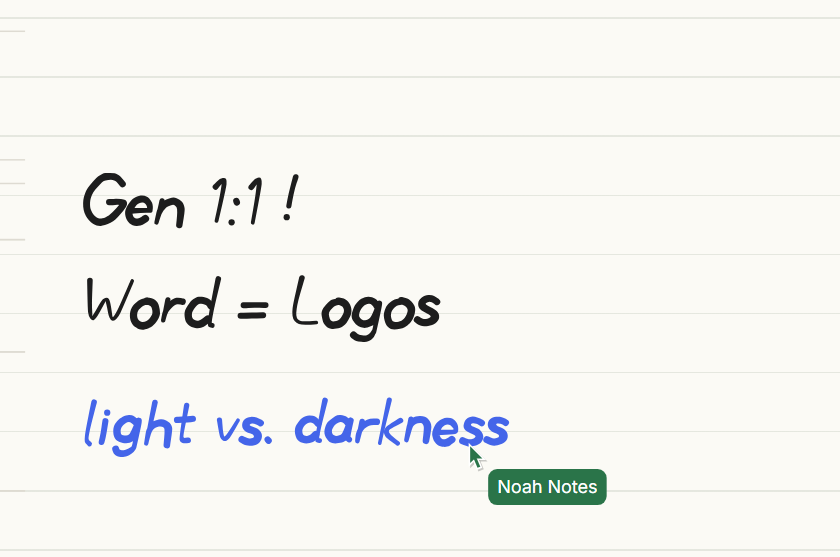
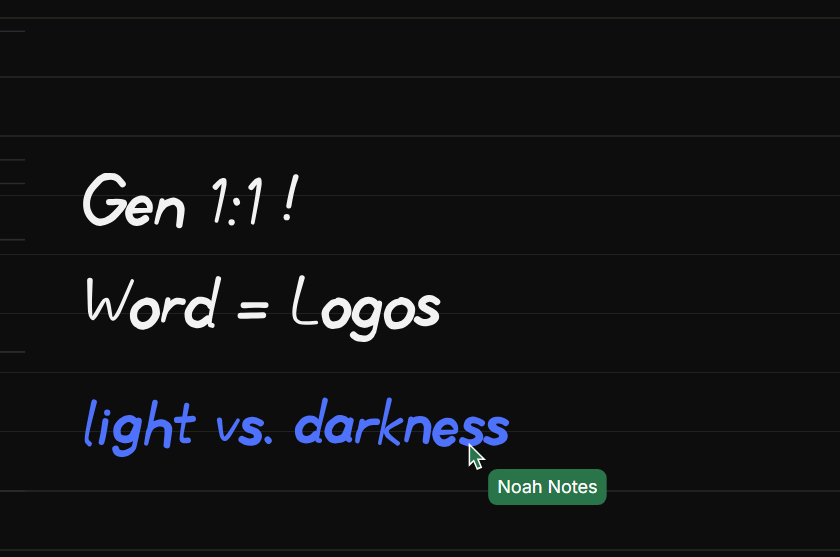
Notes beside the text. Written by hand in the column beside the verses, with everyone writing there shown by name.
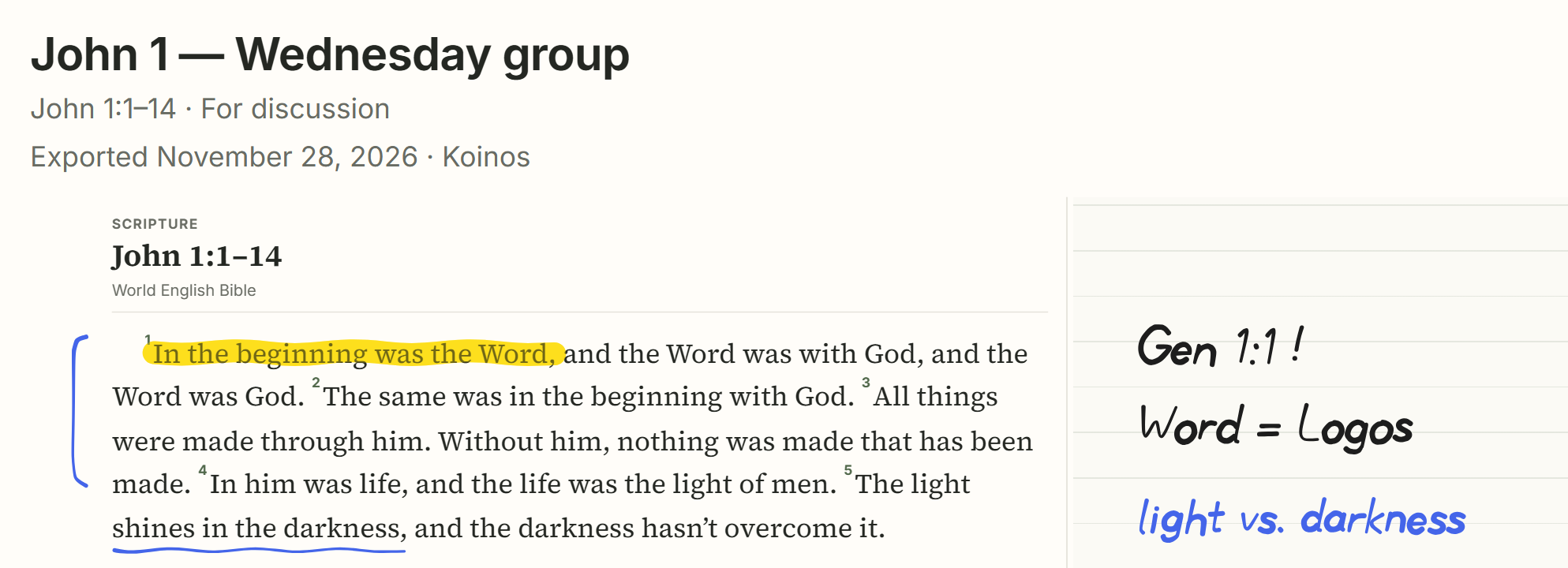
Keep a record. Export the document as a PDF: the reading on the left, every note beside it.
A shared passage. A shared experience.
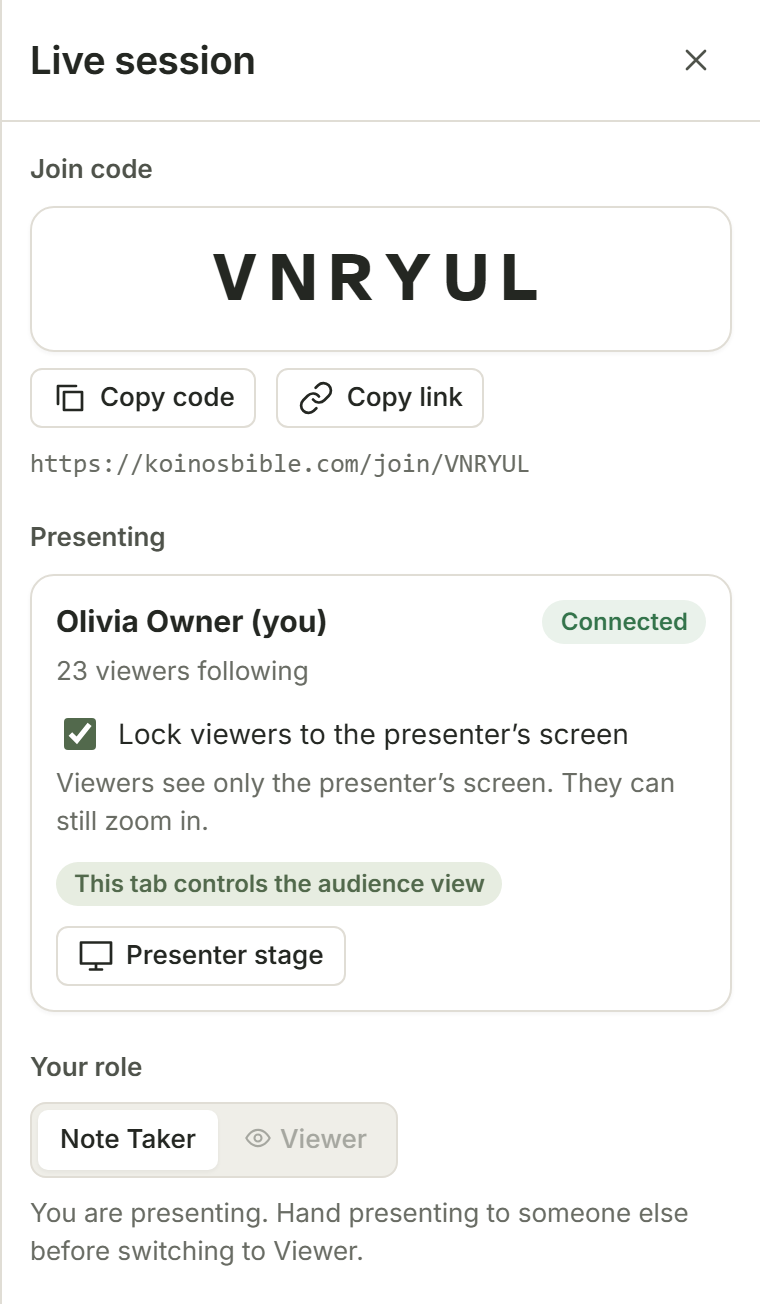
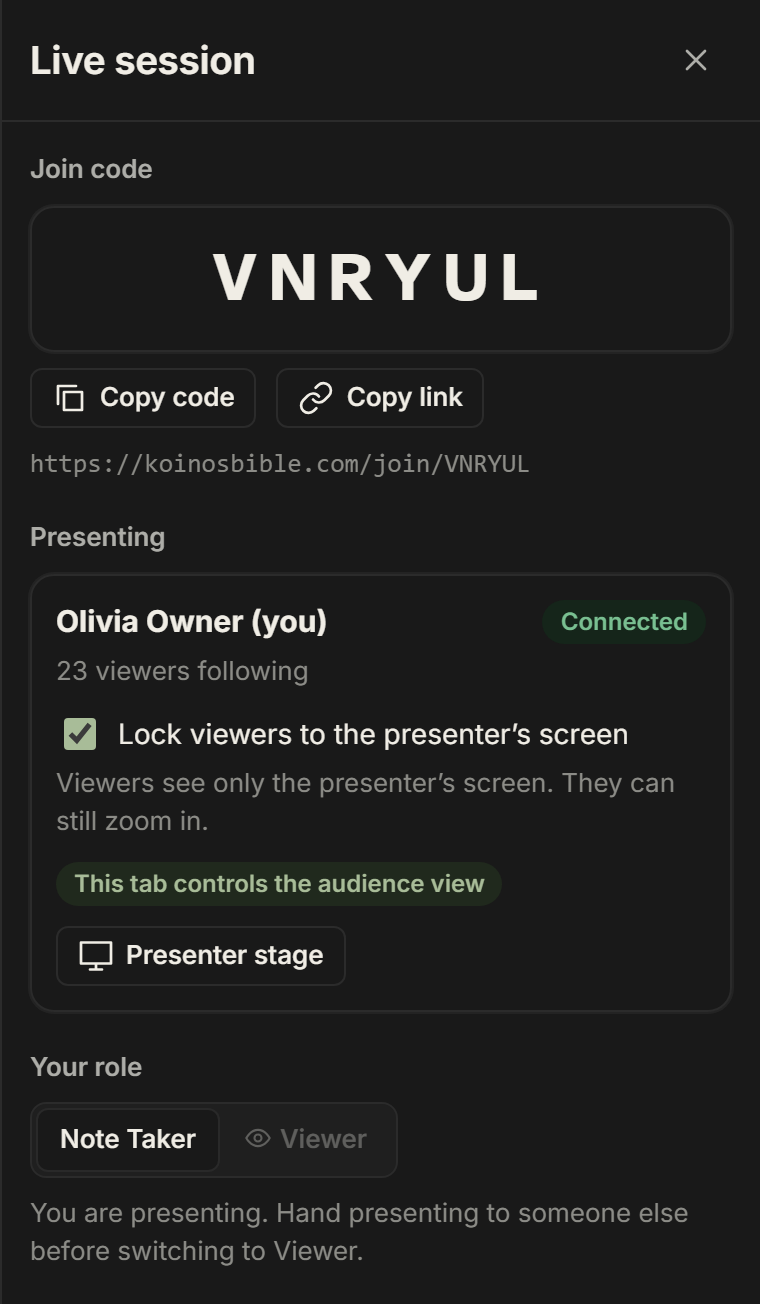
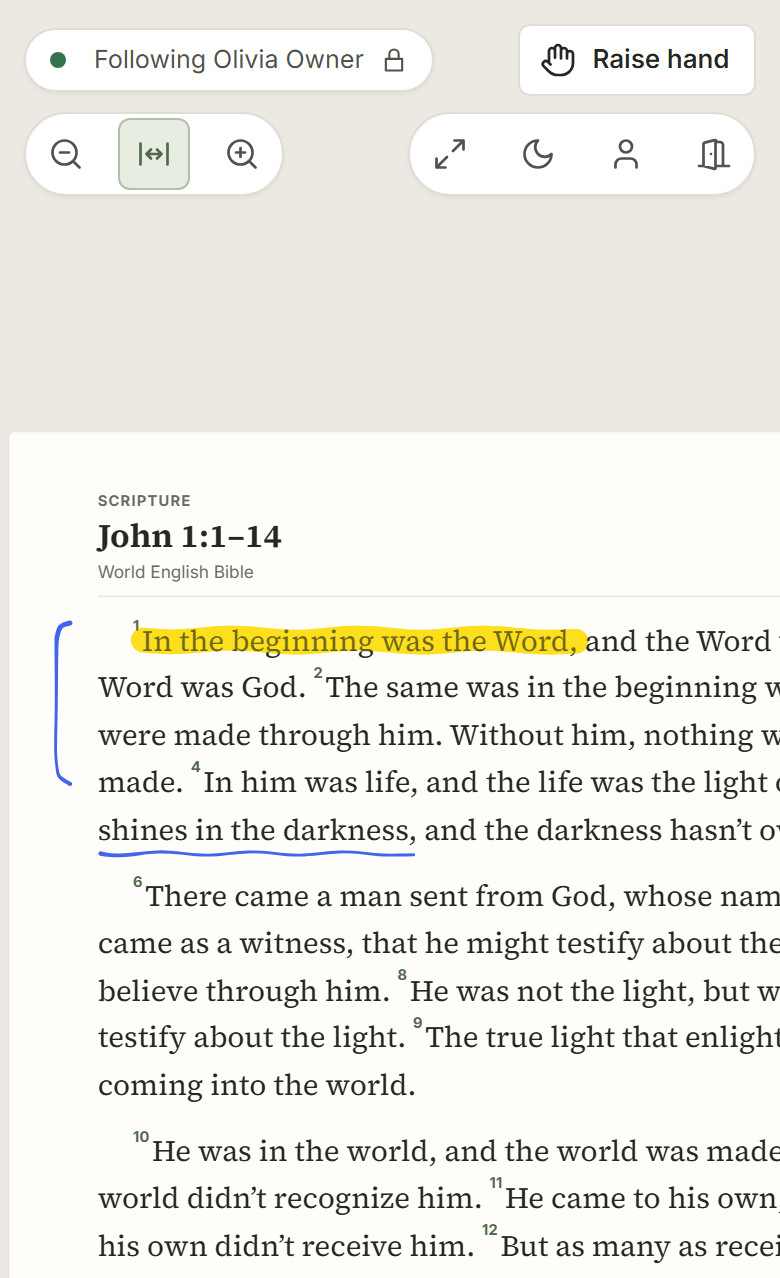
Go live and Koinos gives you a six-character code. Everyone types it in and follows your screen on their own: the same passage, the same verse, the same marks.
- Presenter
- Leads from a laptop, an iPad or the projector. Every screen follows, held to the presenter’s place or free to scroll.
- Note Takers
- Sign in and write on the shared page, usually with a pencil on an iPad. Every note is kept with its verse.
- Viewers
- Anyone, on any phone or tablet. They type the code, give a name if they like, and raise a hand when they have something to say. No account needed.
For one reader, or a whole room.
Personal study
Read slowly, write in the margins, and keep your notes as a PDF.
Small groups
The leader presents from a laptop; everyone follows on the phone in their pocket.
Teaching
Mark the passage up as you teach, on the projector and on every student’s screen at once.
Churches
Put the morning’s passage on people’s own screens with one code read from the front.
About the name
κοινός
koinós · common, shared
Koinos is the Greek word for what is held in common. Luke uses it of the first believers in Jerusalem, who met together and shared what they had.
And all who believed were together and had all things in common.
That is the idea behind Koinos: one passage, open to everyone in the room, with space in the margins for all of them.
Bring your group to the page.
Start a study of your own, or join one with the code on the presenter’s screen.
Start studyingSign in to create documents, write and present.